KEMO IPTV on StreamVault: Android TV Setup Guide
KEMO IPTV APPLICATION GUIDES · UPDATED 10 NOVEMBER 2026
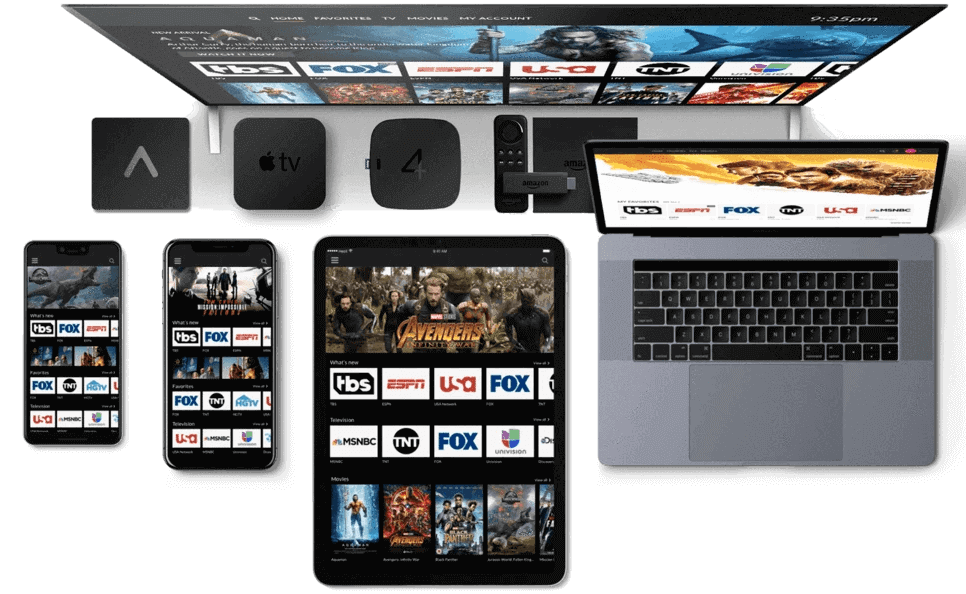
Use the StreamVault project you selected
This guide is for the Android TV StreamVault project maintained under Davidona/StreamVault-IPTV on GitHub. It does not describe the unrelated browser-based or similarly named store applications. Verify that identity before downloading anything or following a setup instruction. A shared product name is not evidence that two applications have the same controls, release process or privacy behavior.
The project’s documentation describes a television-oriented player with support for several provider formats. For KEMO IPTV, use only the format confirmed for your account. The project supplies player software rather than a universal television subscription, so installing it does not create service credentials or guarantee access to particular channels.
Review the release before installation
Open the project’s official repository and follow its own release and installation information. Check the release notes and device requirements rather than selecting an installer from an unrelated mirror. If the project provides multiple builds, use the one documented for your device. Do not assume that the newest experimental build is the best choice for a household television that needs predictable behavior.
Record the version you install and keep the source link. When the operating system asks about installation permissions, understand which application is requesting them and why. This guide is not a reason to disable unrelated device protections or install additional packages from unknown publishers.
Prepare one provider, not every integration
StreamVault’s repository describes several source integrations, but you do not need to configure all of them for a KEMO IPTV setup. Begin with the single account or playlist method supplied by your provider. Extra integrations create more settings to manage and can obscure which source is responsible for an item in the library.
Have the correct server and login fields, or the complete M3U URL, ready before beginning. If a portal method is required, confirm the registration process first. Give the source a clear name and keep sensitive details out of that label. Do not reuse a credential from a different service merely because the app accepts the same type of field.
Add a supported KEMO IPTV source
Open the provider or source-addition flow in your installed release. Choose the matching input type. The project documents M3U, Xtream Codes and Stalker Portal among its supported provider families. Enter the exact details issued for your account and save the source. Menu labels may change as the project develops, so follow the function of the control rather than an assumed screen position.
Let the initial synchronization finish and inspect any result or error message. Test a confirmed live item before adding optional features. If the player accepts the source but imports no content, record that outcome and check account availability instead of repeatedly adding duplicate profiles.
Learn the television navigation first
StreamVault’s primary interface is designed around television remote navigation. Test the D-pad route from a category to an item, into playback and back again. Make sure the focused control is visible and that household members can identify the selected source. A successful installer launch is only the start of a usable living-room setup.
Build a small favorites collection from sources that already play. Keep category changes limited until you understand how the release stores them. If a channel appears missing, check filters and the current provider before reporting a lineup problem. A merged or customized view can conceal the distinction between source availability and interface organization.
Treat guide data and playback as separate tests
The project describes EPG support, including XMLTV. If your service supplies guide information, confirm how it should be attached to the selected source in your release. A channel can play while its schedule is missing, and a guide can display information for an unavailable stream. Test these independently so a support request identifies the actual problem.
Check the device time zone and a few known schedules before applying offsets. If a separate guide URL is required, use the one associated with your account. Do not paste a private playlist into an EPG field or borrow another subscriber’s link. Keep any source errors separate from guide-loading messages.
Evaluate library features with confirmed content
The repository describes separate live, movie and series experiences. Their presence in the interface does not establish that your KEMO IPTV package includes content for every section. Confirm the package first, then test one item from each included area. A visually empty section can be expected when that category is not supplied.
If artwork or descriptions load more slowly than playback, note the difference rather than assuming that the whole source is broken. Large catalogs can involve several stages of organization. Start with a small known test set so you can distinguish an unavailable item, incomplete metadata and a general playback failure.
Recording, downloads and multiple views
StreamVault’s project documentation includes recording and multiple-view features. Use them only where your installed release supports them and your service permissions allow the intended activity. Verify storage, account connection allowance and device behavior before relying on a scheduled task. The player’s technical capabilities do not change the contractual or technical limits of the source.
Run a short permitted test, stop it properly and check the saved result. When testing more than one picture, ask how concurrent streams are counted. Avoid leaving background tasks active while troubleshooting a one-connection account, since they can make an otherwise valid login appear to fail unpredictably.
Maintain an open-source player carefully
Follow release notes before updating a working installation. If the project offers backup options, understand what is included and protect any exported provider details. A backup can contain information that should not be shared publicly. Keep a record of the previous working version and configuration so you can describe a regression accurately without immediately resetting the entire device.
For a software issue, distinguish a project bug from a provider problem. Test another confirmed source, note whether the issue started after an update and record the exact reproduction steps. Do not post subscription credentials in a GitHub issue. Redacted device, version and error information is a better starting point.
KEMO IPTV StreamVault FAQ and support
Is this the browser application called StreamVault? No, this article concerns the Davidona Android TV project selected for this guide. Does every project feature work with every provider? Supported input formats and features do not prove that a particular account supplies every required capability. Confirm the actual service arrangement first.
Should I add extra integrations to fix a login problem? Start by correcting the original source and verifying its availability. Additional unrelated services will not repair an incorrect credential. For account questions, contact KEMO IPTV with the source method and device details. Compare OTT Navigator or TiviMate for other television interfaces, and use the apps hub to move between the verified guides.
Publisher information and guide scope
Publisher reference: StreamVault for Android TV official information. App features, distribution and menu labels can change. This is independent KEMO IPTV setup guidance, not a claim of endorsement by the application developer. Confirm the source format available for your own subscription and use only authorized content.